Before you enter China, you must complete a Health Declaration Form. This requirement applies to every foreign traveler regardless of nationality, visa type, or entry purpose.
What the Form Covers
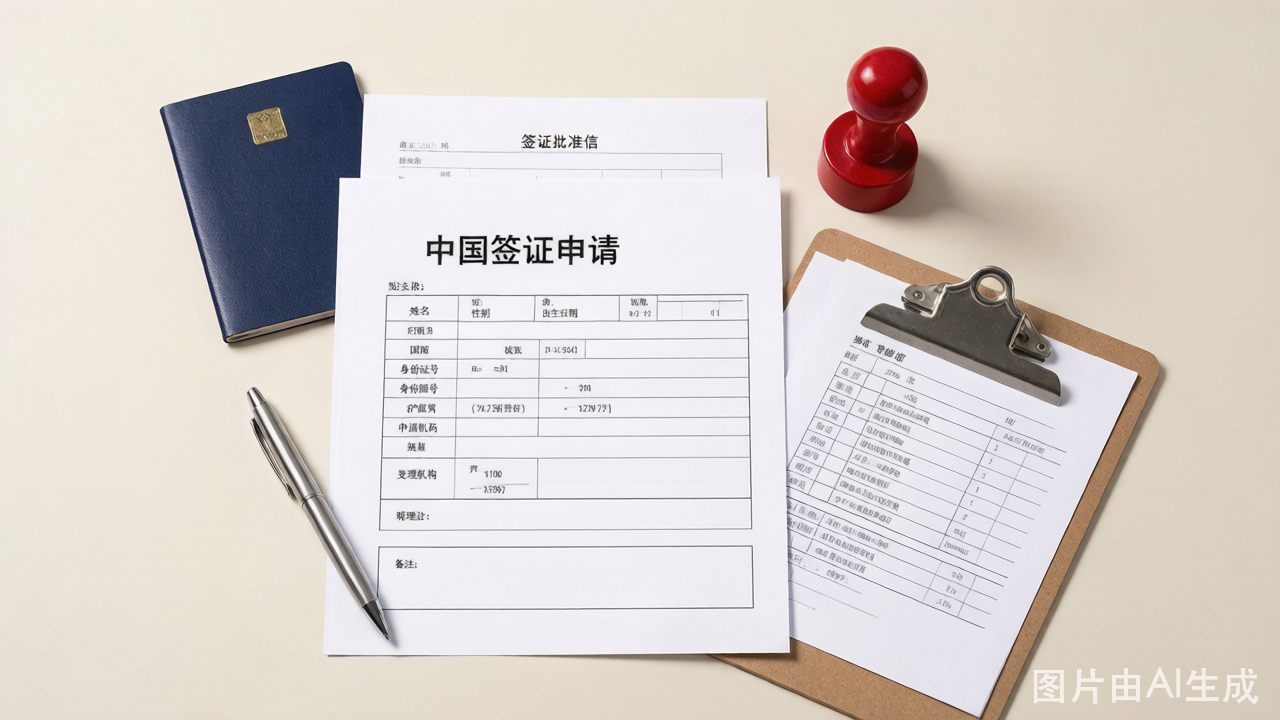
The Health Declaration Form asks for:
- Personal identification details (name, passport number, date of birth)
- Contact information (phone number, email)
- Travel details (flight number, seat number, date of entry)
- Recent travel history (countries visited in the past 14 days)
- Current health status (symptoms checklist)
- Contact history with confirmed or suspected infectious disease cases
The form is designed for infectious disease screening at ports of entry. It is not a medical exam and does not ask for vaccination records.
How to Submit the Form
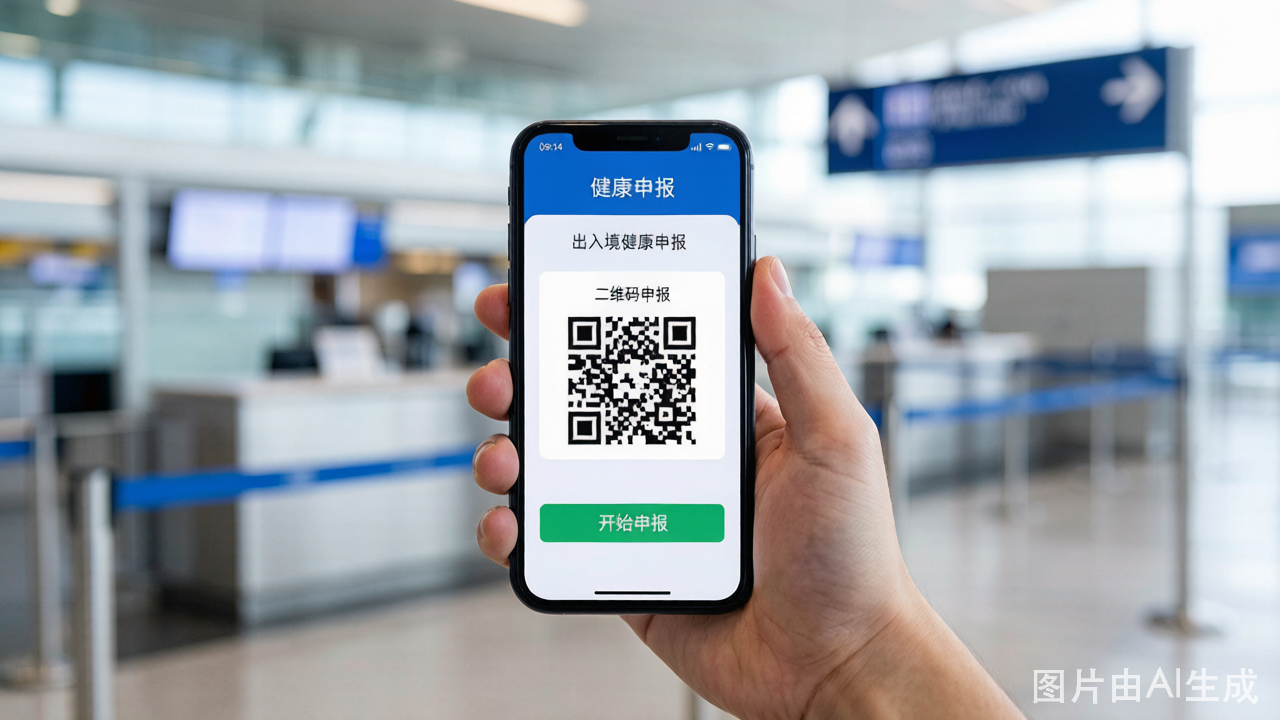
The form is submitted through the official China Customs app or WeChat mini-program. Two options:
Option 1: WeChat Mini-Program (Most Common)
- Open WeChat and search for "Customs Pocket Declaration" or scan the QR code displayed at the airport
- Select the English language option in the top-right corner
- Choose "Health Declaration" from the main menu
- Fill in all required fields marked with an asterisk
- Review your entries carefully — errors can cause delays at customs
- Submit the form — a QR code is generated immediately
- Screenshot the QR code — you will need it at the customs checkpoint
Option 2: Online Web Form
An online web form version is also available. The process is identical. If you do not use WeChat, you should ask your airline or look for the web form link at the departure airport.
Option 3: Paper Form (Fallback)
If you cannot use the digital form, paper forms are available at the customs area. However, filling out the digital form in advance saves significant time — paper form queues can be long.
When to Submit
Submit the form within 24 hours before your scheduled arrival time in China. Submitting too early (more than 24 hours before) means your QR code may expire and you will need to redo it.
You can complete the form at your departure airport while waiting at the gate, or even mid-flight if your airline offers WiFi.
Using the QR Code at Customs
After passport control and before collecting luggage, you will reach a customs checkpoint with QR code scanners. Simply hold your phone screen (with the QR code screenshot) up to the scanner. The system reads your code and the officer confirms your entry.
If your QR code fails to scan:
- Check that your screenshot is clear and not cropped
- Ensure you submitted within the 24-hour window
- If all else fails, you can fill out the form again on the spot — the system accepts resubmissions