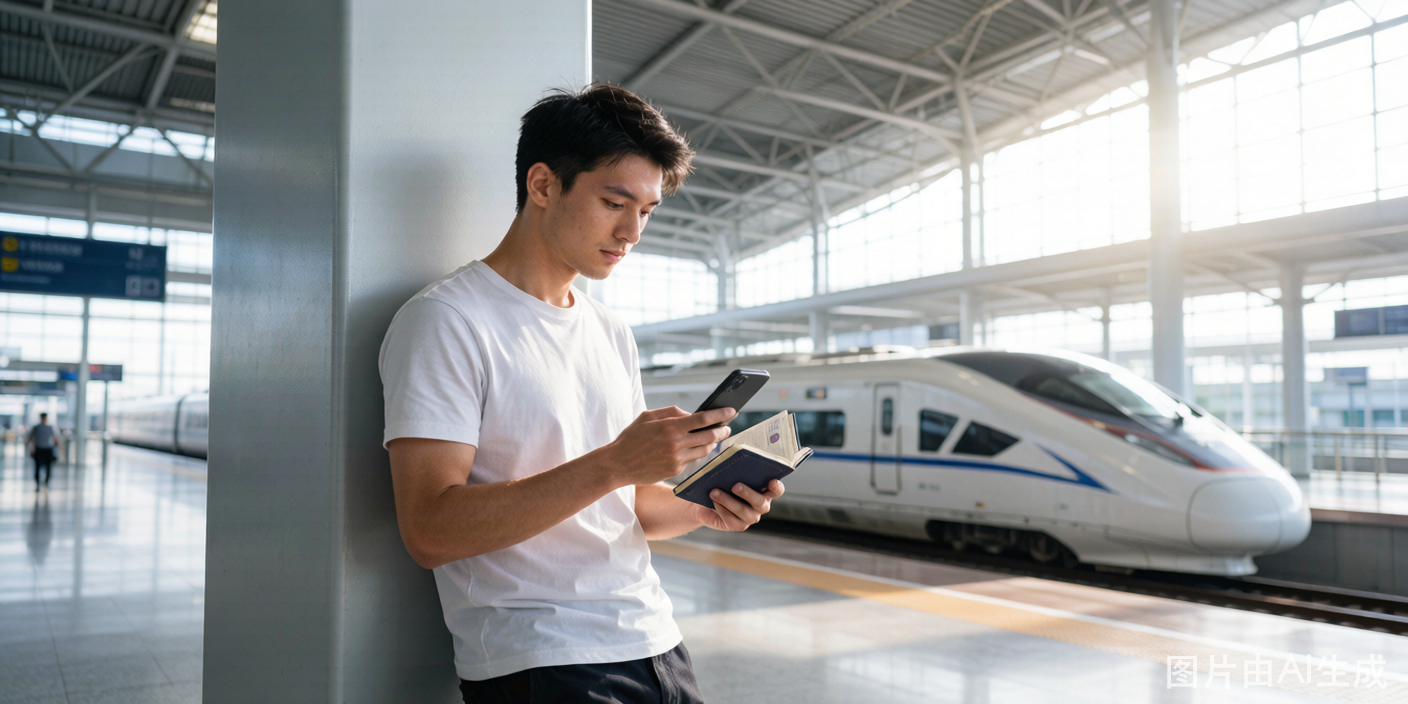
China's high-speed rail network is one of the best ways to travel between cities. As a foreigner, you can book tickets through the official 12306 platform using your passport. The setup takes some effort upfront, but once your account is verified, booking future trips is fast.
The Official Platform
12306 (12306.cn website and the Railway 12306 mobile app) is the only official booking channel. Third-party platforms like Trip.com and Ctrip can also book train tickets, but they are resellers — they charge a service fee and may not offer all trains or seat types. The 12306 app is free, has an English version, and gives you direct access to the full schedule.
Step-by-Step Guide
Step 1: Download and Set Up the 12306 App
- Search your app store for "Railway 12306" — look for the red logo with a train icon.
- After installation, open the app and switch to English. The language selector is typically on the login page or in Settings.
- Choose "Register" and select email registration (rather than Chinese phone number registration).
- Enter your email address and create a password.
Step 2: Add Your Passport as Identification
- During or after registration, the app asks you to add a passenger. Select "Add Passenger."
- For ID type, choose "Foreign Passport."
- Enter your name exactly as it appears on your passport. This is critical: spaces, hyphens (e.g., "Jean-Luc" not "Jean Luc"), and capitalization must match perfectly.
- Enter your passport number, nationality, and date of birth.
- Save the passenger profile.
Step 3: Verify Your Passport
Newly added foreign passengers must go through identity verification. There are two paths:
Path A: Online auto-verification. After adding your passport, the system attempts to verify your information automatically. This works for some nationalities and passport formats, but not all. If it succeeds, you are ready to book.
Path B: Upload for manual verification. If auto-verification fails, the app prompts you to upload a photo of your passport information page. Submit a clear photo showing all text. Manual review typically takes a few hours to one day. If this also fails — and it does for many foreign passports — proceed to Path C.
Path C: In-person verification at a station. Go to any train station (not just the one you are departing from) and find the ticket office or manual service counter. Hand over your passport and say you need "12306 verification" (showing the app screen helps). The staff scans your passport, and verification is immediate. After this, your account is fully functional for all future bookings.
Step 4: Search and Book a Ticket
- On the 12306 home screen, enter your departure city, destination, and travel date.
- Browse available trains. The results show:
- Train number (G = high-speed, D =动车, K/T/Z = conventional)
- Departure and arrival times
- Duration
- Seat classes: Second Class (cheapest), First Class (more space), Business Class (lie-flat seats on some trains)
- Availability (shown as "Tickets available" or a number)
- Select a train and seat class, then confirm your passenger (yourself, or add additional passengers).
- Proceed to payment.
Step 5: Pay for the Ticket
12306 accepts Alipay and WeChat Pay. If both are set up with your foreign card, the payment goes through without issue. The fare is displayed in RMB.
After payment, the ticket is digitally linked to your passport — you do not receive a paper ticket unless you specifically request one.
Step 6: Boarding the Train
On the day of travel:
- Arrive at the station at least 30-45 minutes before departure (longer for major hubs like Beijing South or Shanghai Hongqiao — these stations are enormous).
- Go to the manual/passport lane at the entry gate. The automated gates do not accept foreign passports. Show your passport to the staff member — they will verify your booking in the system and let you through.
- Proceed through security (similar to airport security but generally faster).
- Find your train on the departure board by train number. Gates close 3-5 minutes before departure, not 15-20 minutes like airports.
- At the platform, your carriage number is displayed on signs or painted on the platform floor. Board your carriage and find your seat.
Seat Classes Explained
| Class | Chinese Name | Space | Typical Price (Beijing-Shanghai) | Notes |
|---|---|---|---|---|
| Second Class | 二等座 | Standard airline economy | ~550 RMB | Adequate for trips under 3 hours |
| First Class | 一等座 | Wider seat, more legroom | ~930 RMB | Good for 3-5 hour trips |
| Business Class | 商务座 | Lie-flat or semi-lie-flat | ~1,750 RMB | Only on select trains; book early |
Changing or Canceling Tickets
- Before departure: You can change dates or cancel through the app. Fees increase as departure approaches:
- 8+ days before: Free
- 48 hours to 8 days: 5% fee
- 24-48 hours: 10% fee
- Under 24 hours: 20% fee
- After departure: Changes and cancellations are not available. You must buy a new ticket.
If you have collected a paper ticket (报销凭证/reimbursement voucher), you cannot change or cancel online — you must go to a station ticket window.