Metro systems in Chinese cities are clean, efficient, and extensive. The payment system is the only thing that trips up foreign visitors — but with either Alipay or WeChat already on your phone, you are 90% of the way there.
Method 1: Alipay or WeChat Transit Code (Recommended)
This is the simplest method and requires no additional app download.
Using Alipay:
- Open Alipay and tap the "Transport" icon on the home screen (or search for "Transport").
- If prompted, allow location access so Alipay can detect your current city.
- Select "Metro" (地铁) from the top tab.
- Tap "Activate" or "Get Code" to enable the metro transit QR code for this city. You agree to the terms and the code is generated instantly.
- At the metro station gate, hold your phone with the QR code facing the scanner. The gate opens automatically.
- When you exit at your destination, scan the QR code again at the exit gate. The fare is calculated based on distance and deducted from your linked payment method.
Using WeChat Pay:
- Open WeChat, go to Me > Services.
- Tap the "Transport" or "Travel" mini-program.
- Select "Metro" and activate the transit code for your current city.
- Scan at entry and exit — same process as Alipay.
Important: Each city requires separate activation. If you activate the transit code in Beijing, it does not automatically work in Shanghai — you need to activate it again when you arrive in a new city. The activation is free and takes seconds.
Method 2: City-Specific Metro Apps
Each major city has its own official metro app. These are useful if you want additional features like route planning within the app:
| City | App Name | Notes |
|---|---|---|
| Beijing | 亿通行 (Yitongxing) | Supports foreign phone registration, English available |
| Shanghai | Metro大都会 (Metro Daduhui) | English interface, foreign card payment supported |
| Guangzhou | 广州地铁 (Guangzhou Metro) | English available |
| Shenzhen | 深圳地铁 (Shenzhen Metro) | Basic English support |
| Chengdu | 成都地铁 (Chengdu Metro) | Chinese dominant, limited English |
All city apps support foreign phone number registration and foreign card payment through Alipay or WeChat Pay integration.
Method 3: Single-Journey Ticket (Cash Fallback)
Every metro station has self-service ticket machines that accept cash. This is your fallback if your phone is dead or your transit code is not working.
- At the ticket machine, select English (usually a button on the screen).
- Tap "Single Journey Ticket".
- Tap your destination station on the map, or search by station name.
- The machine displays the fare. Insert cash — machines accept 5, 10, and 20 RMB notes, plus 1 RMB coins. Some machines accept 50 and 100 RMB notes.
- Collect your ticket (a small plastic token or card, depending on the city).
- Tap the token at the entry gate. Keep it with you — you will need it to exit.
- At the exit gate, insert the token into the slot (for token-based systems) or tap it (for card-based systems). The gate opens and the token is collected or retained.
Navigating Stations
Chinese metro stations share a consistent layout:
- Station entrances are marked with a logo: a blue or red circle with a stylized train track or the letter "M" or "D" (for 地铁/ditie, the Chinese word for metro)
- Inside the station, signs are bilingual (Chinese and English) in all major cities
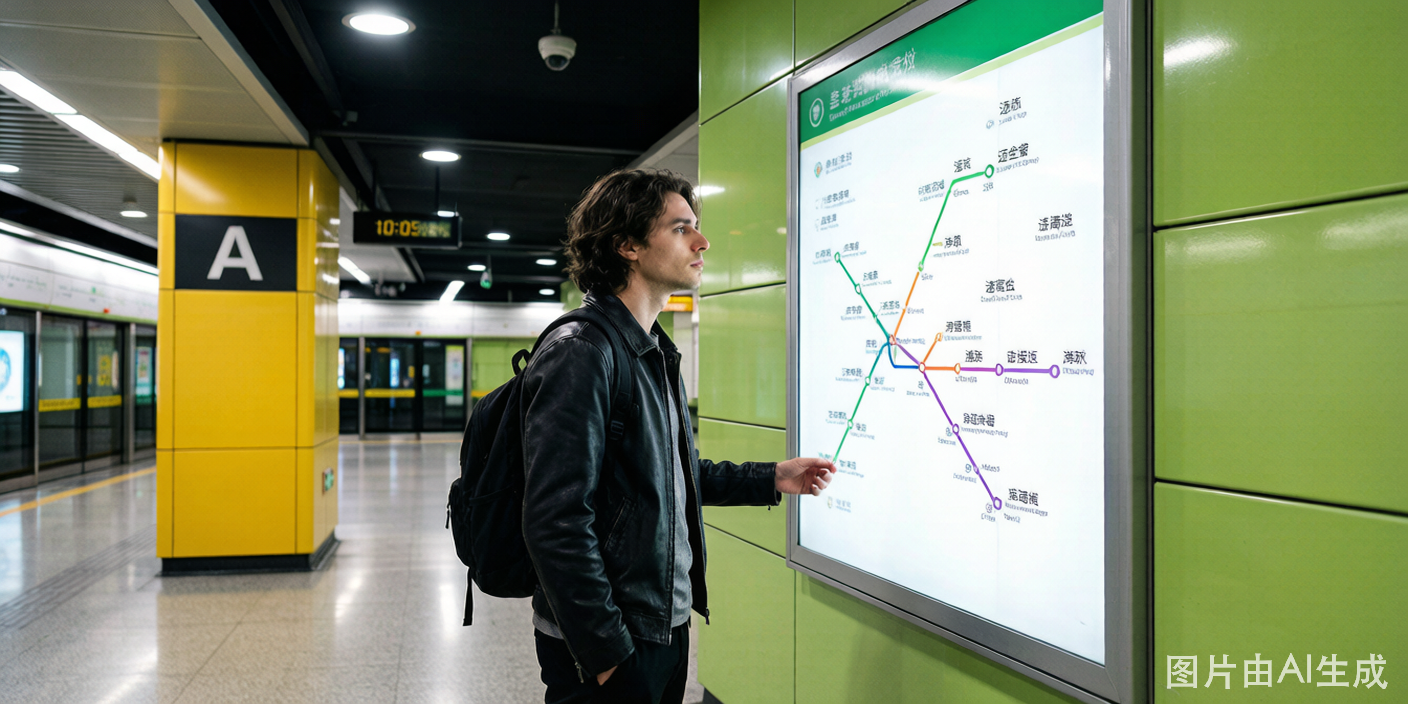
- Line colors and numbers — each line has a designated color and number (e.g., Line 1 is red in Beijing, Line 2 is green in Shanghai)
- Direction is indicated by the terminal station name, not compass directions — know the name of the last station in the direction you are heading
- Transfers follow overhead signs showing the connecting line number and color
- Exit gates are marked with letters (A, B, C, D) and show nearby landmarks and street names — check the map near the exit gates before choosing one