Didi is China's dominant ride-hailing service, similar to Uber. The Chinese version of the app is entirely in Chinese and requires a mainland phone number, but Didi also maintains an international version called DiDi Rider — this is the one designed for foreign visitors.
Which App to Download
Search your app store for "DiDi Rider" or "DiDi — Ride Hailing". Look for the orange logo with the word "DiDi." The correct international version:
- Has a full English interface
- Supports registration with international phone numbers
- Accepts Visa and Mastercard directly
- Integrates with Alipay and WeChat Pay
Do not download the Chinese version (滴滴出行) if you do not read Chinese — it has no English option and requires a mainland phone number.
Step-by-Step Guide
Step 1: Register Your Account
- Open DiDi Rider and select your country code from the dropdown.
- Enter your foreign phone number (the one you use at home — it does not need to be a Chinese number).
- Wait for the SMS verification code and enter it.
- Accept the terms of service.
Your account is now active. No passport verification is needed for the international version.
Step 2: Set Up Payment
Go to Profile > Wallet > Payment Methods. You have two options:
Option A: Direct card binding (simplest).
- Tap "Add Card" and enter your Visa or Mastercard details
- The card is charged in your home currency at the card network's exchange rate after each ride
- This works for most major international cards
Option B: Link Alipay or WeChat Pay (recommended for stability).
- Select Alipay or WeChat Pay as the payment method
- You are redirected to authorize the link — tap confirm
- Rides are then charged through your already-set-up Alipay or WeChat Pay
Option B is recommended if you have already set up Alipay with a foreign card, because the payment flow is more reliable — Didi sometimes rejects foreign cards that Alipay accepts.
Step 3: Request a Ride
-
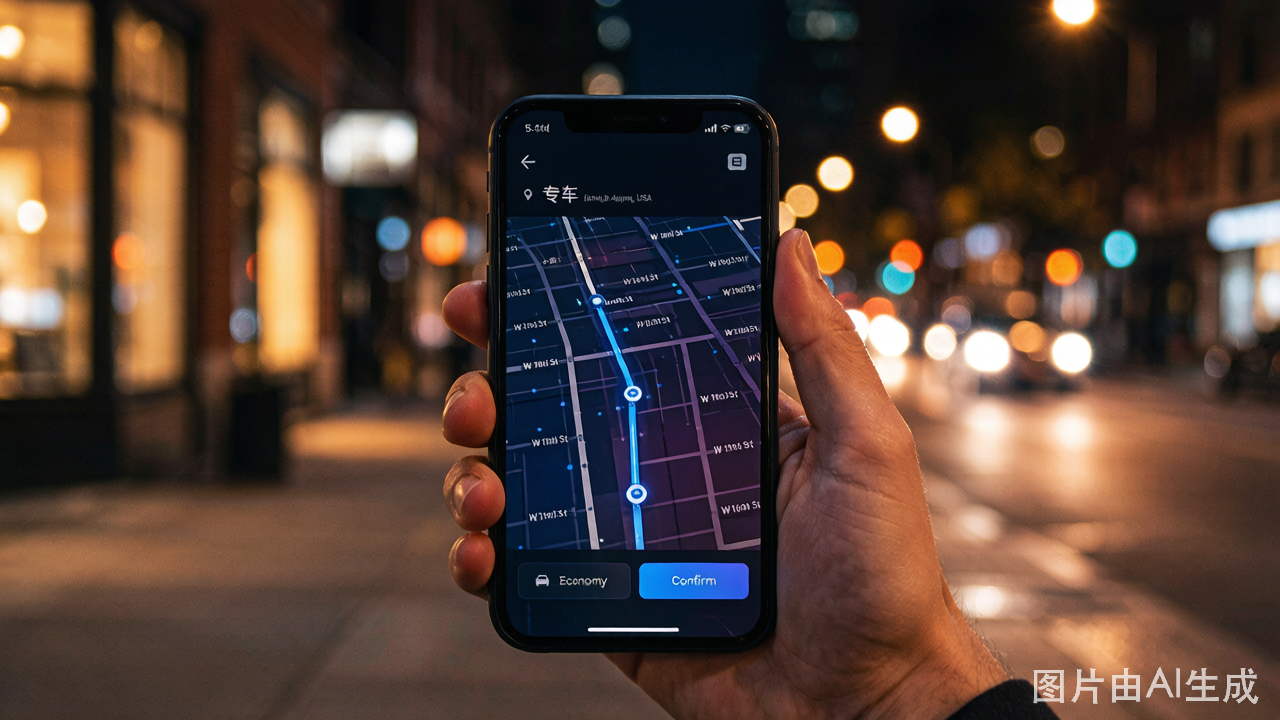
On the home screen, confirm your pickup location. The app uses GPS to detect your location automatically. If it is wrong, tap the pickup address and manually adjust the pin on the map.
Tip for pickup points: Choose a clearly identifiable location — a hotel entrance, a landmark, a shopping mall main door, or a street intersection with a visible sign. Avoid selecting a random point on a busy road where the driver cannot stop. Hotel lobbies and Starbucks entrances are excellent pickup points because drivers know exactly where they are.
-
Enter your destination. You can type the address, paste a Chinese address, or select from your saved places.
-
Choose your ride type:
- Express (快车): Standard sedan, most common, cheapest
- Premier (专车): Higher-end vehicle, professional driver, more expensive
- Taxi (出租车): Metered taxi hailed through the app — the fare is set by the meter, not the app estimate
- XL (六座): 6-passenger vehicle for groups
-
Confirm the estimated fare. Note that the final fare may differ slightly from the estimate depending on actual distance and time. The app also warns you about surge pricing with a multiplier notice if demand is high.
-
Tap "Confirm" to request the ride.
Step 4: During the Ride
- Wait for a driver to accept. The app shows the driver's name, car model, license plate number, and estimated arrival time.
- When the driver arrives, verify the license plate against the app before getting in. This is a safety practice.
- The app provides in-app messaging — you can send preset English messages that are auto-translated to Chinese for the driver. Common messages include "I am at the pickup point" and "Please wait a moment."
- Track your route on the map. The app shows the estimated remaining time and the live route.
- At your destination, the fare is automatically charged to your payment method. You do not pay the driver directly. Just say thank you and exit the vehicle.
Step 5: Handling Problems
- Driver cannot find you. Use the in-app message "I am at the pickup point." If still not connecting, call the driver through the app — the call uses Didi's relay system so neither side sees the other's phone number. Speak slowly and state the pickup location name (hotel name, landmark).
- Ride dispute. If the driver takes a wrong route, ends the ride early, or there is an issue with the fare, go to Profile > Help > Ride Issues. Didi Rider has English-language customer support.
- Left an item in the car. Use the app to contact the driver. There is typically a fee for returning lost items (20-50 RMB, paid to the driver directly).