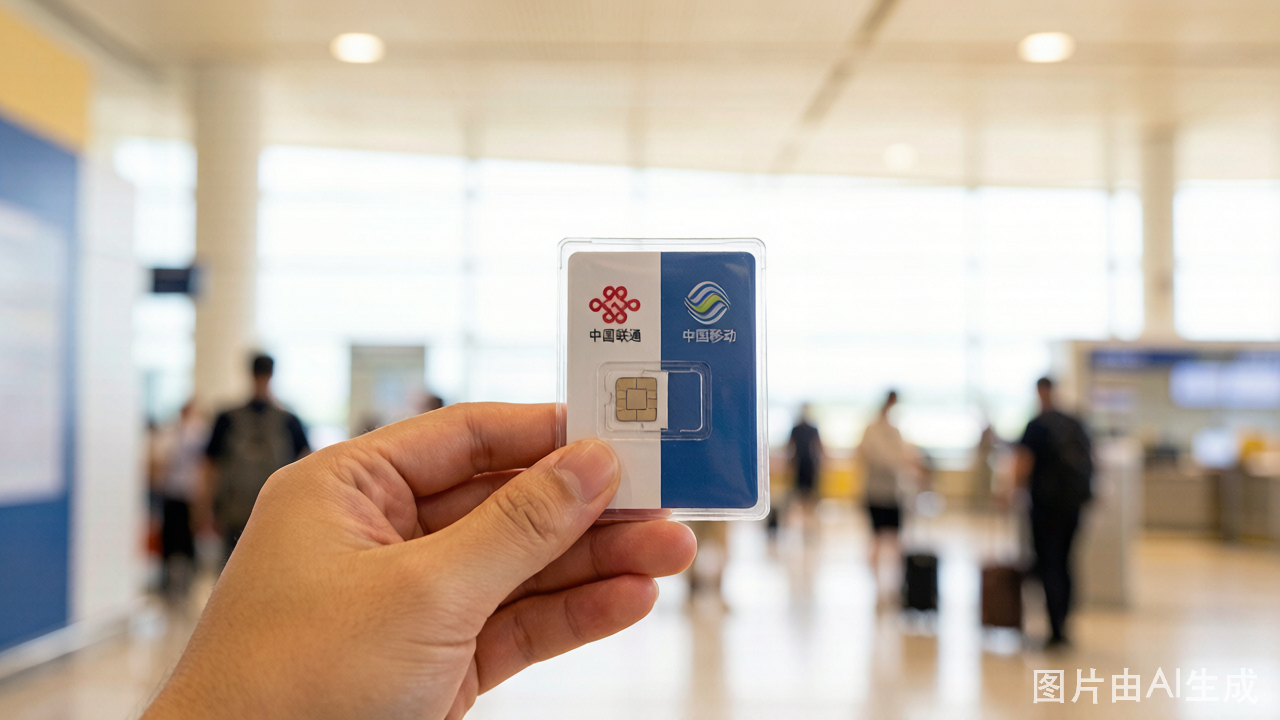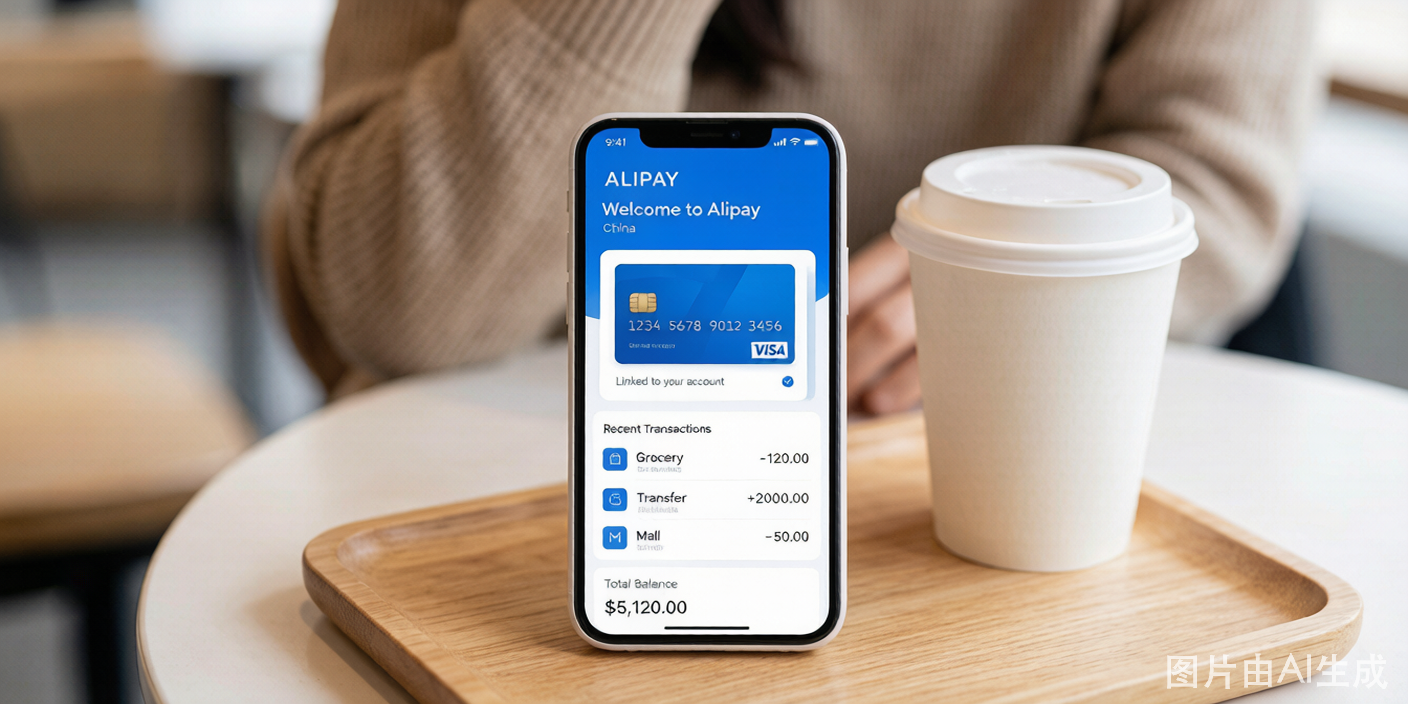

An eSIM is a digital SIM card embedded in your phone. For China travel, it solves two problems: you get connected immediately upon landing, and you skip the passport registration required for physical SIM cards.
eSIM vs. Physical SIM: What You Give Up
Before choosing an eSIM, understand the trade-off. Most China travel eSIMs are data-only — they provide internet access but no Chinese phone number.
| Feature | eSIM | Physical Airport SIM |
|---|---|---|
| Chinese phone number | Usually no | Yes |
| Data speed | 4G/5G | 4G/5G |
| Passport registration | Not required | Required |
| Activation | Before departure | At airport counter |
| Voice calls | Via apps only (no native calling) | Yes, domestic calls included |
| SMS | No | Yes |
| Price (7-day, 5GB) | USD 8-20 | 50-80 RMB (USD 7-11) |
A Chinese phone number is needed for:
- Registering on some apps (Meituan food delivery, some ride-hailing accounts)
- Receiving SMS verification codes
- Making local phone calls to restaurants, hotels, or service numbers
If you only need data for maps, translation, social media, and web browsing, a data-only eSIM is sufficient. If you need a phone number, get a physical SIM at the airport instead.
Recommended eSIM Providers for China
These providers have been tested and confirmed to work reliably across Chinese networks (usually roaming on China Unicom or China Mobile infrastructure):
| Provider | Price Range | Data Speed | Notes |
|---|---|---|---|
| Airalo (China eSIM) | USD 5-40 | 4G LTE | Widely used, reliable, easy setup |
| Holafly | USD 19-99 | 4G | Unlimited data plans, uses China Unicom |
| Nomad | USD 6-30 | 4G LTE | Competitive pricing, good coverage |
| 3HK (Hong Kong) | HKD 88-288 | 4G/5G | Provides a Hong Kong number; data works in mainland China |
| Trip.com / Ctrip | Varies | 4G | Integrated with travel booking, convenient for one-stop shoppers |
Prices vary by data volume and duration. A 7-day, 5 GB plan typically costs USD 8-15 across providers.
How to Set Up — Step by Step
Before departure (at home):
-
Check your phone's eSIM compatibility. Go to Settings > About Phone and check for EID or Digital SIM. iPhones from XS/XR onward support eSIM. Most Samsung Galaxy S20+, Google Pixel 4+, and recent flagships support it. Some budget Android phones do not.
-
Disable your home carrier's international roaming to avoid accidental charges. Keep your home SIM active for SMS — just turn off data roaming on that line.
-
Purchase the eSIM plan on the provider's website or app. You will receive a QR code by email.
-
Install the eSIM profile. Scan the QR code from another device or printout. Your phone will add a new cellular plan. Label it "China eSIM" for clarity.
-
Do NOT activate the eSIM yet. Keep it disabled in your phone settings. It only needs to be turned on when you land.
Upon arrival in China:
-
Connect to airport WiFi (most Chinese airports have free WiFi — look for the network name and follow the SMS verification or passport number login prompt).
-
Enable the eSIM in Settings > Cellular/Mobile Data. Switch your data line to the China eSIM.
-
Turn on data roaming for the eSIM line. This is important — even though you are physically in China, the eSIM is technically roaming on a Chinese network. If data roaming is off, the eSIM will not connect.
-
Wait for the network to connect. This takes 30-60 seconds. You should see "China Unicom" or "China Mobile" as the network name with LTE or 5G indicator.
-
Test the connection. Open maps or a website. If it does not work, check that data roaming is on and that this eSIM is set as the active data line.