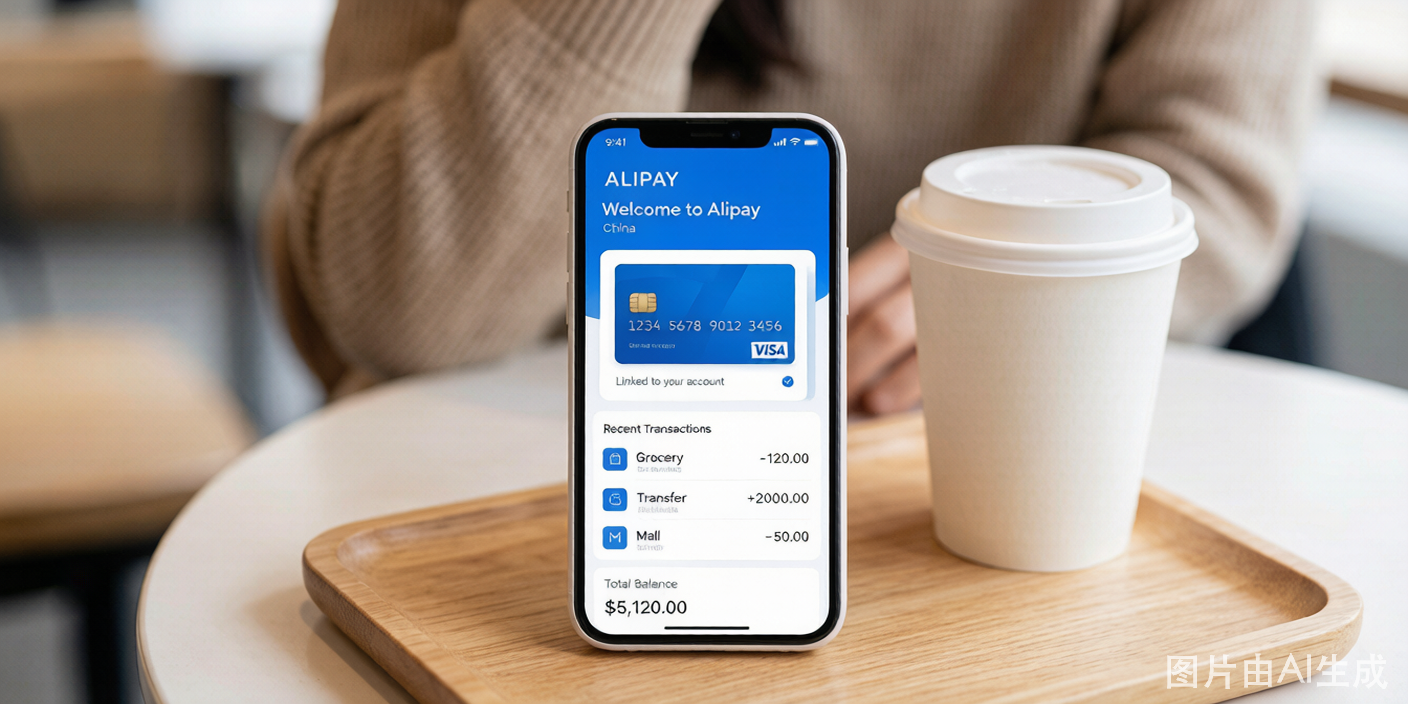
Foreign visitors can use Alipay across China without opening a Chinese bank account. The setup takes about 10 minutes, and once complete, you can pay at restaurants, shops, metro stations, and for ride-hailing and food delivery.
Key Facts Before You Start
- Service fee: Transactions under 200 RMB have no fee. Transactions of 200 RMB and above incur a 3% service fee.
- Transaction limits: Single transaction maximum is 3,000 RMB. Monthly cumulative limit is 50,000 RMB. Annual cumulative limit is 60,000 RMB. Unverified accounts have lower limits.
- Supported cards: Visa, Mastercard, JCB, American Express, Diners Club, Discover, and overseas UnionPay cards.
- What you cannot do: Send money to other individuals (peer-to-peer transfers), send or receive red envelopes, or access financial products. The account is for consumption payments only.
Step-by-Step Guide
Step 1: Download and Register
- Go to your app store and download the Alipay app. The international version supports English — the app should automatically detect your phone's language.
- Open the app and register using your overseas mobile number. Do not use a Chinese number if you do not have one yet — the registration number does not need to be Chinese.
- After registration, confirm the interface is in English. If it shows Chinese, go to Me > Settings > General > Language and switch to English.
Step 2: Complete Passport Real-Name Verification
Real-name verification is mandatory for foreign card binding. Without it, the Add Card option will be limited or unavailable.
- Go to Me > Account Settings > Identity Verification.
- Select your nationality and enter your personal information exactly as it appears on your passport — full name with correct spelling, hyphens, and spacing. Any mismatch will cause verification failure.
- Upload a clear photo of your passport information page. Make sure all text is readable and the photo is not cropped, blurry, or obscured by glare.
- Complete the facial recognition scan. Hold your phone at eye level in good lighting and follow the on-screen instructions.
- Wait for approval. This usually takes a few minutes during business hours in China. You will receive a notification when verification is complete.
Step 3: Add Your Foreign Bank Card
- Go to Me > Bank Cards.
- Tap Add Card and select your card type (Visa, Mastercard, etc.).
- Enter your card number, expiration date, and CVV.
- Enter your billing address exactly as registered with your bank — the English address that appears on your bank statements. Postal code, street name, and country must match.
- Confirm and proceed to 3D Secure verification. Your bank will send a one-time code via SMS or banking app. Enter the code to complete the binding.
If 3D Secure verification does not trigger, your card's online payment or cross-border transaction feature may be disabled — contact your bank.
Step 4: Start Using Alipay
Your account is now ready. At any merchant:
- Open Alipay and tap Pay (or show the QR code)
- The merchant scans your code, or you scan the merchant's QR code
- Your linked foreign card is charged in RMB at the card network's exchange rate
- You receive an instant notification with the amount
Common Binding Failures and Fixes
| Problem | Likely Cause | Solution |
|---|---|---|
| "Card not supported" | Card type not accepted or cross-border payments blocked | Contact your bank to enable international online payments |
| "Identity verification failed" | Photo unclear or name mismatch | Re-upload the passport photo ensuring all text is crisp; double-check name spelling against passport |
| 3D Secure code never arrives | Bank blocking the transaction as fraud | Call your bank and tell them you are traveling in China — ask them to whitelist Chinese merchant transactions |
| "Verification pending" for hours | High volume on Alipay's verification system | Wait up to 24 hours; if still pending, contact Alipay customer service through the app |
| "Transaction declined" at checkout | Card issuer blocking specific merchant | Switch to a different card or try a smaller transaction amount |
Alipay TourCard — Backup Solution
If direct card binding keeps failing, Alipay offers the TourCard, a prepaid solution built into the app specifically for foreign visitors:
- Search for "TourCard" in the Alipay app or find it in the mini-program section
- Register with your passport and overseas phone number
- Top up the TourCard using your foreign bank card (Visa/Mastercard)
- Top-up amounts range from 100 RMB to 10,000 RMB per transaction, with a 5% service fee
- The TourCard is valid for 180 days — unused balance is automatically refunded to your original payment method after expiration
The TourCard has better compatibility with small vendors and street stalls that may not accept direct foreign card payments. The trade-off is the 5% fee compared to direct card binding's 3% fee (only on transactions above 200 RMB).
Tips for Smooth Use
- Keep your passport photo saved in your phone's gallery. If Alipay requests re-verification during your trip, you can quickly resubmit.
- Notify your bank before travel. Many banks auto-block transactions from China unless you pre-authorize international use.
- Carry a backup payment method. Some small shops, local markets, and older vendors may only accept payments from Chinese bank accounts. Carry 200-300 RMB in cash for these situations.
- Check your exchange rate. Alipay itself does not add a markup on the exchange rate — the rate is set by your card network (Visa/Mastercard). Your bank may add its own foreign transaction fee (typically 1-3%), which is separate from Alipay's 3% service fee.