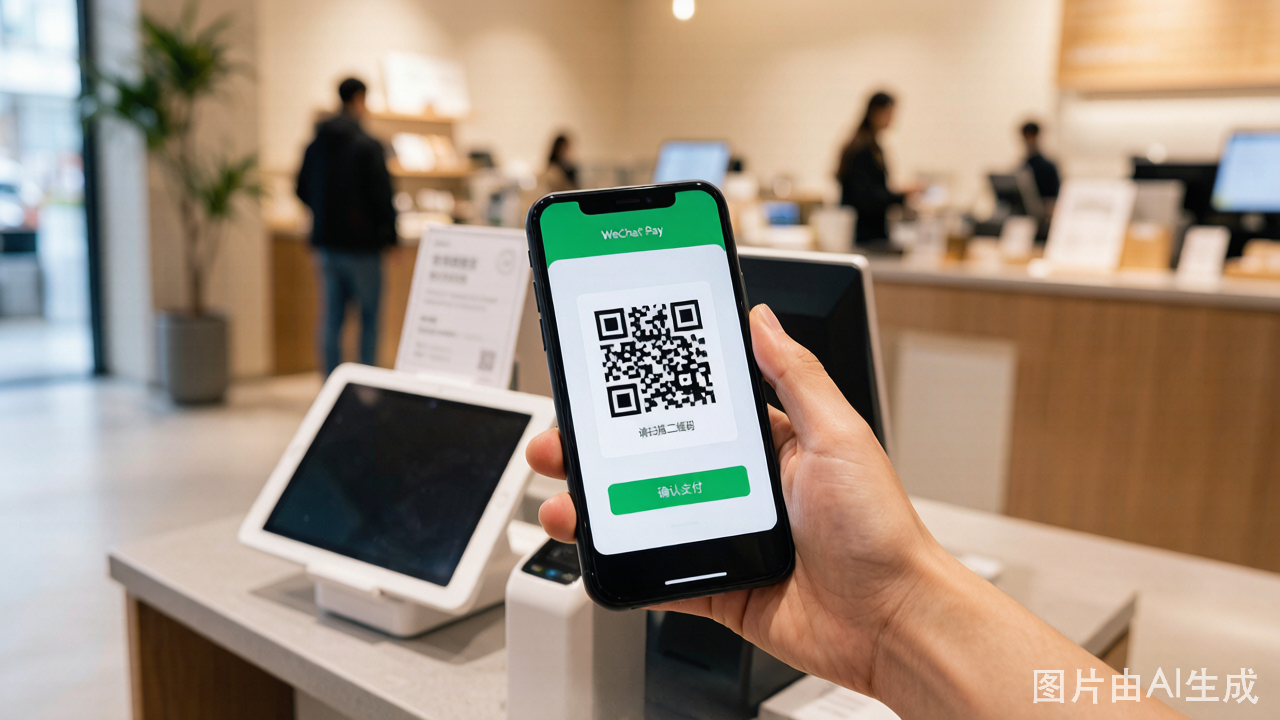
WeChat Pay is the other half of China's mobile payment duopoly alongside Alipay. Setting it up with a foreign card involves a few more steps than Alipay, primarily because you must switch the wallet region — a step not needed for Alipay.
Key Facts Before You Start
- Service fee: Same structure as Alipay. Free for transactions under 200 RMB. 3% service fee for transactions of 200 RMB and above.
- Transaction limits: Single transaction maximum is 6,000 RMB. Monthly cumulative limit is 50,000 RMB. Annual cumulative limit is 60,000 RMB.
- Supported cards: Visa and Mastercard are the most reliable. JCB, Amex, and other networks have limited or unstable support on WeChat Pay.
- What you cannot do: Send peer-to-peer transfers, send or receive red envelopes, or use WeChat financial services (wealth management, mini-program lending).
Step-by-Step Guide
Step 1: Register and Log In
- Download WeChat from your app store.
- Register using your overseas mobile number. Verification is done via SMS.
- Complete the basic profile setup — you do not need to add contacts immediately.
Step 2: Switch Wallet Region to Chinese Mainland
This is the step that most guides gloss over, and it is the most common source of setup failures.
- Go to Me > Services (or "Wallet" in older versions).
- If your wallet region is set to your home country, China payment functions are unavailable.
- Look for "Switch Wallet Region" or "Change Region" — typically found in the top-right corner menu (three dots) of the Services/Wallet page.
- Select Chinese Mainland as the new region.
- Confirm the switch. The app will reload and the Services page will change to display Chinese payment functions.
Note: Switching to Chinese Mainland does not affect your chat contacts, Moments, or any other WeChat feature. It only changes the payment region.
Step 3: Complete Passport Real-Name Verification
- Go to Me > Services > Wallet > Identity Information (or "Real-Name Verification").
- Select Foreign Passport as your ID type.
- Enter your name exactly as it appears on your passport — including middle names and hyphens.
- Enter your passport number, nationality, and date of birth.
- Upload a photo of your passport information page. The photo must be clear and show all text without glare.
- Complete the facial recognition scan. Keep your face within the frame and follow the on-screen prompts (blink, nod, or turn your head as instructed).
- Submit and wait for verification. This can take anywhere from a few minutes to a few hours.
Step 4: Add Your Foreign Bank Card
- After verification is approved, go to Me > Services > Wallet > Bank Cards.
- Tap Add a Bank Card.
- Enter your card number. WeChat will auto-detect Visa or Mastercard.
- Fill in your card details: expiration date, CVV, and the billing address registered with your bank. The address must match your bank records exactly.
- Complete SMS verification (a code sent to the phone number registered with your bank).
- Complete 3D Secure verification if prompted — this is an additional password or code from your bank.
Step 5: Start Paying
To pay at a store:
- Tap Me > Services > Money (the green "Pay" icon)
- The merchant scans your QR code, or you tap "Scan" to scan the merchant's QR code
- Payment is deducted from your linked foreign card
- You receive a transaction notification
Common Error Fixes
| Problem | Likely Cause | Solution |
|---|---|---|
| "Function not available in your region" | Wallet region not switched to Chinese Mainland | Go to Settings in the Wallet and switch region to Chinese Mainland |
| "Card type not supported" | Using a card other than Visa or Mastercard | Switch to a Visa or Mastercard — WeChat Pay's support for other networks is unreliable |
| "Real-name verification failed" | Name or passport number mismatch | Re-enter details matching passport exactly, including spaces and hyphens |
| "Cannot add card" after verification | Bank blocking the transaction | Call your bank to enable overseas online transactions and inform them you are in China |
| "Transaction declined" at a merchant | Merchant category blocked or card limit exceeded | Try a smaller amount or a different merchant; confirm daily card limit with your bank |
| "Risk control — payment restricted" | Unusual transaction pattern detected | This is an automated fraud system trigger. Wait 24 hours and try again with smaller, normal transactions |
WeChat Pay vs. Alipay for Foreigners
Both platforms serve the same purpose, but there are differences worth knowing:
| Aspect | Alipay | WeChat Pay |
|---|---|---|
| Card support | Visa, MC, JCB, Amex, Diners, Discover | Primarily Visa and Mastercard |
| Setup complexity | Lower (no region switching needed) | Higher (region switch required) |
| Single transaction limit | 3,000 RMB | 6,000 RMB |
| App language | Full English interface | Partial English — some settings remain in Chinese |
| Merchant coverage | Slightly better for online services (flights, hotels) | Better for street vendors, small shops, peer-heavy scenarios |
| TourCard backup | Yes (prepaid Alipay TourCard) | No equivalent |
Most foreign visitors set up both. Alipay is easier to configure and has a better English interface. WeChat Pay has an edge for smaller vendors and rural areas where WeChat is the dominant payment method. Having both gives you full coverage.
Tips for Smooth Use
- Set up Alipay first, then WeChat Pay. Alipay's English interface and simpler setup make it a smoother first experience. Once Alipay works, you have a backup while configuring WeChat.
- Keep your passport scan on your phone. WeChat may ask you to re-verify if it detects unusual activity.
- Test with a small purchase. After setup, buy a bottle of water at a convenience store — a 3 RMB transaction confirms everything works before you rely on it for a 500 RMB dinner.
- If WeChat Pay refuses to cooperate after multiple attempts, do not keep trying — you risk locking the account. Use Alipay and cash instead, and try again the next day.